Win City iOS App: Can iPhone Users Install It and What Are the Alternatives?
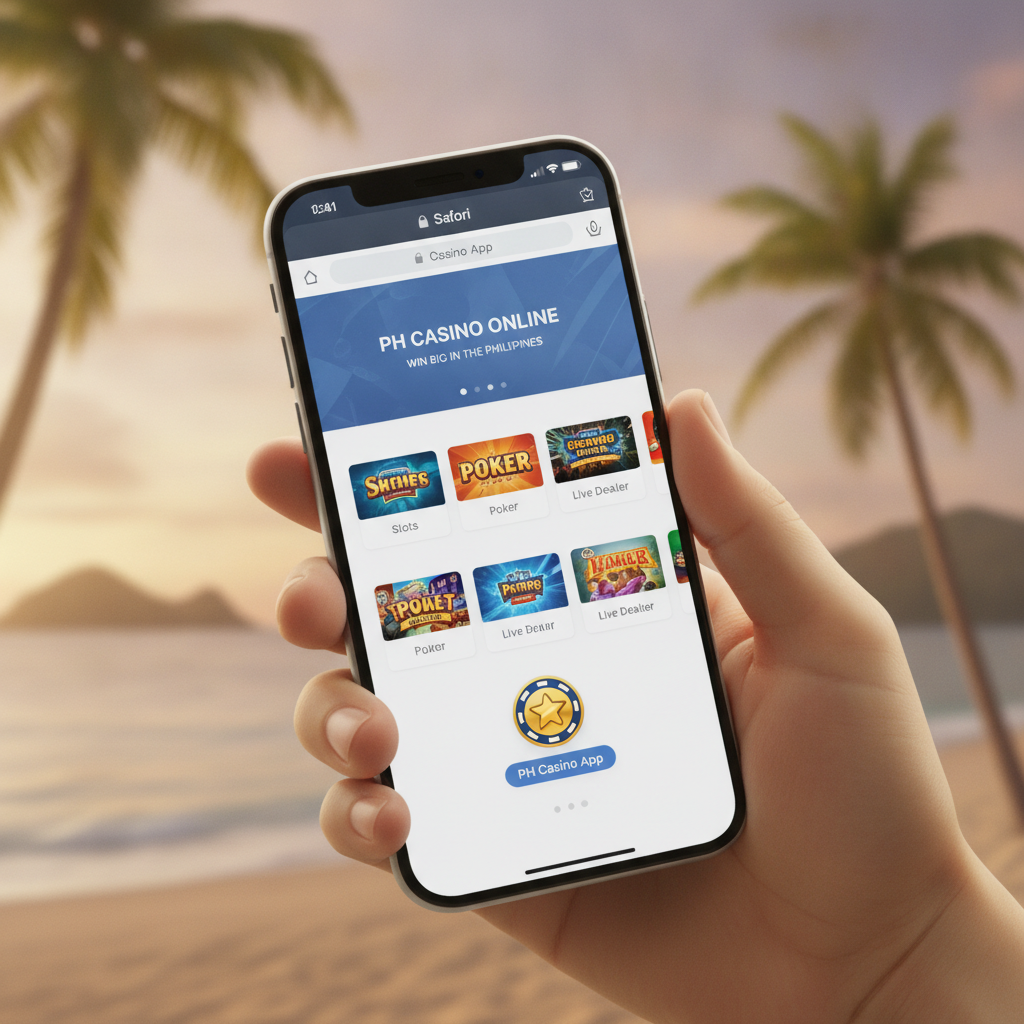
Current Status of a Native Win City App for iOS
As of now, Win City does not offer a dedicated native app for iOS devices in the Apple App Store. iPhone and iPad users in the Philippines will not find an official Win City application when searching the store.
The platform has released an Android APK file that can be sideloaded on Android phones, but Apple's strict App Store policies and closed ecosystem make it difficult for many online casino operators to distribute iOS apps directly. Win City has not published an IPA file for sideloading on iOS, and there is no publicly available version for TestFlight or other alternative distribution methods.
This means iPhone and iPad users must rely on the mobile web version to access Win City's slots, live dealer tables, sports betting, and bingo games.
Using the Mobile Web Version in Safari: Add to Home Screen
The good news is that Win City's mobile website works well on Safari and other iOS browsers. Players can visit the Win City site through any browser on their iPhone or iPad and log in as usual.
For a more app-like experience, iOS users can add the Win City mobile site to their home screen. This creates a shortcut icon that opens the site in full-screen mode without the Safari address bar, making it look and feel closer to a standalone app.
How to Add Win City to Your iPhone Home Screen
- Open Safari on your iPhone or iPad and navigate to the Win City website.
- Tap the Share button at the bottom of the screen (the square icon with an arrow pointing up).
- Scroll down the menu and tap Add to Home Screen.
- Edit the name if you wish, then tap Add in the top right corner.
- The Win City icon will now appear on your home screen alongside your other apps.
When you tap this icon, the Win City site opens in a full-screen browser window. You'll still be using the web version, but the experience is streamlined and quicker to access than typing the URL every time.
This method works on iPhone models running iOS 13 and newer, as well as on iPad devices. It does not require jailbreaking or any modifications to your device.
Performance and Features: Web App vs Android APK
While the lack of a native iOS app might sound like a disadvantage, the mobile web version on Safari performs well for most tasks. However, there are some differences in experience compared to the Android APK.
What Works Well on iOS
- Slots and live dealer games load smoothly in Safari. Most HTML5 games from major providers are optimized for mobile browsers and work without issues.
- Sports betting on PBA, NBA, and volleyball is fully accessible. Live odds update in real time.
- GCash and Maya deposits can be completed through the mobile site. The payment flow redirects to the e-wallet app or web login, then returns you to Win City once confirmed.
- Withdrawals can be requested from the cashier section of the mobile site, with the same processing times as on Android.
- Account management, including checking transaction history, verifying your ID, and updating your password, works the same way.
Where the Android APK Has an Edge
- Push notifications: The Android APK can send alerts about deposit confirmations, withdrawal approvals, or new promotions. The iOS web app cannot send push notifications unless you keep Safari open.
- Slightly faster load times: Native apps can cache more assets locally. The web version must reload some elements each session, though the difference is usually only a second or two on a stable connection.
- Offline access to account info: Some Android APK versions let users view their balance and transaction history briefly while offline. The web app requires an active internet connection at all times.
- Dedicated app updates: Android users receive app updates through the APK, which can include bug fixes specific to the mobile experience. Web users get the same updates, but they happen server-side and apply to everyone at once.
In practice, most Filipino players using iPhones report that the mobile web version meets their needs. Games run without lag on recent iPhone models (iPhone X and newer), and the touch controls for adjusting bet amounts or switching between sports markets work smoothly.
The mobile site is also responsive, meaning it adapts to both iPhone and iPad screen sizes. iPad users get a layout closer to the desktop version, with more information visible at once, while iPhone users see a streamlined single-column interface.
Login and Deposit Workflow on iPhone and iPad
The process for logging in and moving money on an iPhone or iPad is straightforward, though there are a few iOS-specific quirks to keep in mind.
Logging In
- Open Safari (or your saved home screen shortcut) and go to the Win City site.
- Tap the Login button, usually at the top right.
- Enter your registered mobile number or username and your password.
- If you have two-factor authentication enabled, you'll receive an SMS code to enter.
- Tap Submit or Login to access your account.
Safari's autofill feature can save your login details if you allow it, speeding up future logins. If you're prompted to save your password, tap Save Password and it will be stored in your iCloud Keychain.
Common login issues on iOS:
- Cookies disabled: If you see an error saying "Cookies must be enabled," go to Settings > Safari and make sure Block All Cookies is turned off.
- Private browsing: If you're in a private or incognito tab, the site may not remember your session. Use a regular Safari tab for a smoother experience.
- Cached data: If the login button is unresponsive, try clearing Safari's cache by going to Settings > Safari > Clear History and Website Data, then reload the site.
Making a Deposit with GCash or Maya
- After logging in, tap Deposit or Cashier in the menu.
- Select GCash or Maya as your payment method.
- Enter the amount in Philippine pesos (most players deposit between PHP 100 and PHP 500).
- Tap Proceed or Submit.
- You'll be redirected to the GCash or Maya app (if installed) or to a mobile web login.
- Authorize the payment using your MPIN or biometric login.
- Once confirmed, you'll return to Win City and the funds typically appear in your account within a few seconds to a few minutes.
If you do not have the GCash or Maya app installed, the redirect will open the mobile web version of the e-wallet. The process is the same, but you may need to enter a one-time PIN sent via SMS.
Deposit tips for iPhone users:
- Make sure your GCash or Maya app is updated to the latest version to avoid redirect errors.
- If the redirect fails and you're stuck on a blank page, tap the back button in Safari, return to the Win City cashier, and try again.
- Some users find it helpful to open the GCash or Maya app in advance and confirm that their balance is sufficient and their account is active.
Requesting a Withdrawal
- Tap Withdraw or Cashier > Withdraw in the menu.
- Choose your withdrawal method: GCash, Maya, or bank transfer via InstaPay or PESONet.
- Enter the amount you want to cash out and confirm your linked account details.
- Submit the request.
Withdrawal processing times are the same on iOS as on Android. GCash and Maya withdrawals typically arrive within a few hours, while InstaPay bank transfers can take a few hours to one business day. PESONet transfers usually complete within one to two business days.
If your withdrawal is pending longer than expected or shows as failed, check the troubleshooting steps in Win City's cashier help section or contact support through live chat (accessible from the mobile site menu).
Using InstaPay or PESONet on iPhone
If you prefer bank transfers over e-wallets, the workflow on iOS is the same as on any device:
- In the withdrawal or deposit screen, select Bank Transfer.
- Choose InstaPay (for faster, smaller transfers, usually up to PHP 50,000) or PESONet (for larger amounts, processed in batches).
- Enter your bank account number, account name, and bank name exactly as registered.
- Submit and wait for processing.
Double-check that your bank supports InstaPay or PESONet. Most major Philippine banks—BDO, BPI, Metrobank, UnionBank, and others—are part of both networks.
Performance on Older iPhone Models
If you're using an iPhone 7, 8, or SE (first or second generation), the mobile site should still work, though you may notice slower load times for graphics-heavy slots or live dealer video streams. Closing background apps and ensuring a stable Wi-Fi or mobile data connection can help.
Very old models (iPhone 6 or earlier) running outdated iOS versions may struggle with some HTML5 games or experience layout issues. In those cases, updating iOS to the latest supported version often resolves compatibility problems.
21+ Only and Responsible Gambling Reminder
Win City is strictly for players aged 21 and over. Online gambling is restricted by age in the Philippines, and account verification requires a valid government-issued ID to prove you meet the minimum age requirement.
Gambling should be an occasional form of entertainment, not a way to make money or solve financial problems. Set a budget before you play, and never deposit more than you can afford to lose. If you feel that your betting is becoming difficult to control, take a break or reach out to a responsible gambling support service.
Win City provides account tools such as deposit limits and self-exclusion options. These can be accessed from the account settings menu on the mobile site. Use them to help manage your play.
Bottom line for iPhone users: While Win City does not have a native iOS app, the mobile web version offers full access to slots, live dealer games, sports betting, and all deposit and withdrawal methods, including GCash, Maya, InstaPay, and PESONet. Adding the site to your iPhone home screen gives you a convenient shortcut that mimics an app experience. Login, deposits, and cashouts work smoothly on Safari, and performance is solid on recent iPhone and iPad models.