Win City GCash Withdrawal Step-by-Step: Limits, Fees and Common Errors
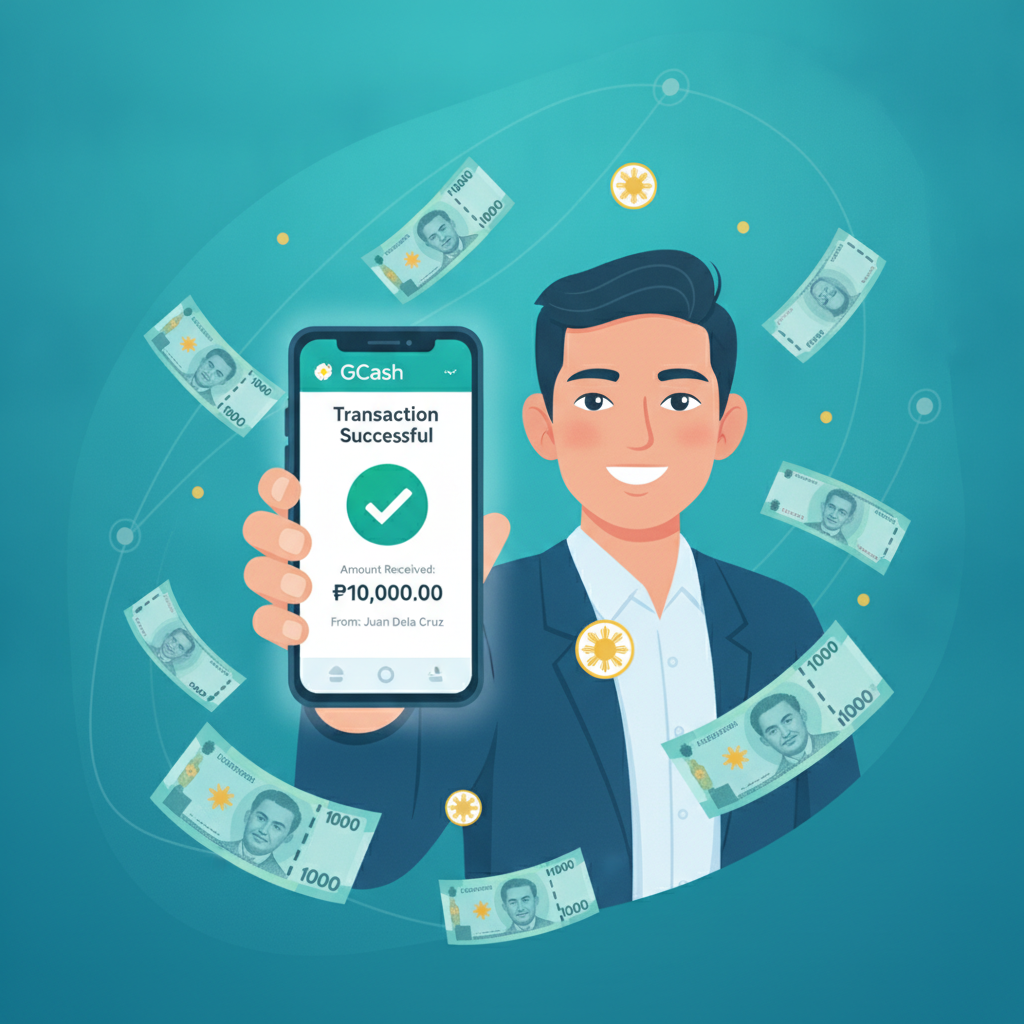
Win City GCash Withdrawal Step-by-Step: Limits, Fees and Common Errors
GCash is the most popular e-wallet for Win City withdrawals among Filipino players. This guide walks through the exact cashout process, explains the limits and fees you'll encounter, and shows how to fix the most common errors that block payouts.
How to Request a GCash Cashout from Your Win City Wallet
Before initiating any withdrawal, confirm that your Win City account name matches the name registered on your GCash account. Mismatches trigger automatic rejections.
Step 1: Log in to your Win City account on mobile or desktop. Tap the menu icon (usually three horizontal lines) and select Withdrawal or Cashout.
Step 2: Choose GCash from the list of withdrawal methods. If GCash does not appear, check that your account has passed identity verification and that you've made at least one successful deposit using GCash or another accepted method.
Step 3: Enter your 11-digit GCash mobile number in the format 09XXXXXXXXX. Double-check every digit—one wrong number will send your money to someone else or trigger an invalid-number error.
Step 4: Type the withdrawal amount in Philippine pesos. The platform will display your current available balance and any minimum or maximum limits. Do not enter an amount below the minimum threshold or above your verified daily limit.
Step 5: Review the summary screen. It should show your GCash number, the amount, and any applicable fees. If everything looks correct, tap Confirm or Submit.
Step 6: You will receive an on-screen confirmation with a transaction reference number. Save or screenshot this number for your records. Win City will also send a confirmation message to your registered email or phone number.
Most GCash withdrawals from Win City are processed within one to four hours during business hours (Monday to Friday, 9:00 AM to 6:00 PM Philippine time). Requests submitted on weekends or holidays may take up to 24 hours. You will receive a GCash notification once the funds land in your wallet.
Daily and Per-Transaction Withdrawal Limits for GCash
Win City enforces both per-transaction and daily withdrawal ceilings. These limits depend on your account verification status and activity history.
Standard verified accounts typically face:
- Minimum withdrawal: PHP 100 per transaction
- Maximum per transaction: PHP 10,000 to PHP 50,000
- Daily limit: PHP 50,000 to PHP 100,000
Newly verified accounts may see lower initial limits—often PHP 10,000 per transaction and PHP 20,000 per day—for the first two to four weeks. Limits usually increase automatically as the account builds a track record of successful deposits and cashouts.
VIP or high-roller accounts can request higher limits by contacting Win City customer support through live chat. Be prepared to provide additional identity documents or proof of funds.
GCash itself imposes a PHP 100,000 monthly incoming transaction limit for basic (non-verified) GCash accounts and a PHP 500,000 monthly limit for fully verified accounts. If you withdraw frequently, keep an eye on your GCash monthly cap to avoid hitting the ceiling mid-month.
Fees Charged by Win City and GCash
Win City does not charge a withdrawal fee for GCash cashouts in most cases. However, the platform reserves the right to deduct a processing fee—typically PHP 15 to PHP 50—if you have not met minimum wagering requirements on your last deposit. This is common if you deposit and immediately attempt to withdraw without placing any bets.
GCash does not charge a fee to receive money from Win City. The full amount you request (minus any Win City processing fee) will appear in your GCash wallet.
Bank cash-out fees apply if you transfer your GCash balance to a bank account afterward. GCash charges PHP 15 for InstaPay transfers and a small percentage for PESONet, but these are separate from the Win City withdrawal process.
Always check the confirmation screen before finalizing your withdrawal. The platform will itemize any fees and show the exact amount you will receive.
Fixing 'Account Mismatch' and 'Invalid Number' Errors
Account Mismatch Error
This error appears when the name on your Win City account does not match the name registered on your GCash account. Philippine regulations and anti-money-laundering rules require the same person to own both accounts.
How to fix it:
- Open your GCash app and navigate to Profile or Account Settings. Confirm the full name as it appears in GCash.
- Compare it to the name you entered during Win City registration. Middle initials, spacing, and punctuation must match exactly. For example, "Juan Dela Cruz" and "Juan dela Cruz" may be treated as different names.
- If the names differ, contact Win City customer support via live chat and request a name correction. You will need to upload a clear photo of a valid government ID (such as a driver's license, passport, or UMID) showing the correct spelling.
- Wait for support to update your account details. Approval usually takes one to three business days.
- Once updated, try your GCash withdrawal again.
Do not attempt to create a new Win City account with a different name. This violates platform terms and can lead to permanent account suspension.
Invalid Number Error
An "invalid number" message means the GCash mobile number you entered is not recognized by the system.
Common causes and solutions:
- Wrong format: Always use the 11-digit format starting with 09, not +63 or 639. For example, enter 09171234567 instead of +639171234567.
- Typographical mistake: Re-enter the number slowly and double-check each digit before submitting.
- GCash account not fully verified: If your GCash account is unverified or has been flagged by GCash for suspicious activity, Win City may reject the withdrawal. Open the GCash app and complete any pending verification steps, such as uploading a selfie or ID photo.
- Number recently changed: If you recently changed your GCash mobile number, update it in your Win City account profile before requesting a withdrawal. Go to Account Settings or Profile in Win City and replace the old number with your current GCash-registered number.
If the error persists after trying these fixes, contact Win City live chat with your transaction reference number and a screenshot of the error message. Support can check whether the issue is on the platform side or with GCash.
Other Common GCash Withdrawal Issues
"Pending" status for more than 24 hours: Contact Win City support and provide your transaction reference number. Delays beyond 24 hours are rare but can occur during system maintenance or if your withdrawal was flagged for manual review.
Funds deducted from Win City but not received in GCash: Check your GCash transaction history to confirm the money has not arrived. If it is missing after 24 hours, contact Win City support immediately. The platform can trace the transaction and, if necessary, issue a refund to your Win City wallet.
Repeated rejections despite correct details: This may indicate an account-level restriction. Possible causes include incomplete wagering requirements, multiple failed withdrawal attempts, or a temporary hold due to security checks. Reach out to support for clarification.
21+ Only and Responsible Gambling Reminder
Win City is for players aged 21 and above only. Online gambling involves real financial risk. Set a budget before you play, never chase losses, and withdraw winnings regularly rather than re-betting them. If you feel gambling is affecting your life negatively, contact the National Council on Problem Gambling or use Win City's self-exclusion and deposit-limit tools. Keep it fun, keep it safe.